Internet & WiFi in the USA for Tourists – Complete Connectivity Guide
Staying connected while traveling in the United States is simple—but understanding your options can help you avoid unnecessary costs. From free public WiFi to prepaid mobile data, tourists have multiple ways to access reliable internet throughout their trip.
This guide explains everything you need to know about internet & WiFi in the USA for tourists, including availability, speeds, security, and the best setup for different travel styles.
Is Internet Easily Available in the USA?
Yes. Internet access is widely available in cities and suburban areas across the country.
Reliable Internet Is Common In:
- Major cities
- Airports
- Hotels
- Cafés and restaurants
- Shopping malls
Internet Can Be Limited In:
- Remote highways
- Mountain regions
- Desert areas
- Some national parks
If you’re planning outdoor adventures or long drives, downloading offline maps is highly recommended.
Public WiFi in the USA
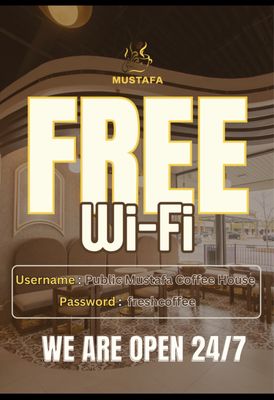
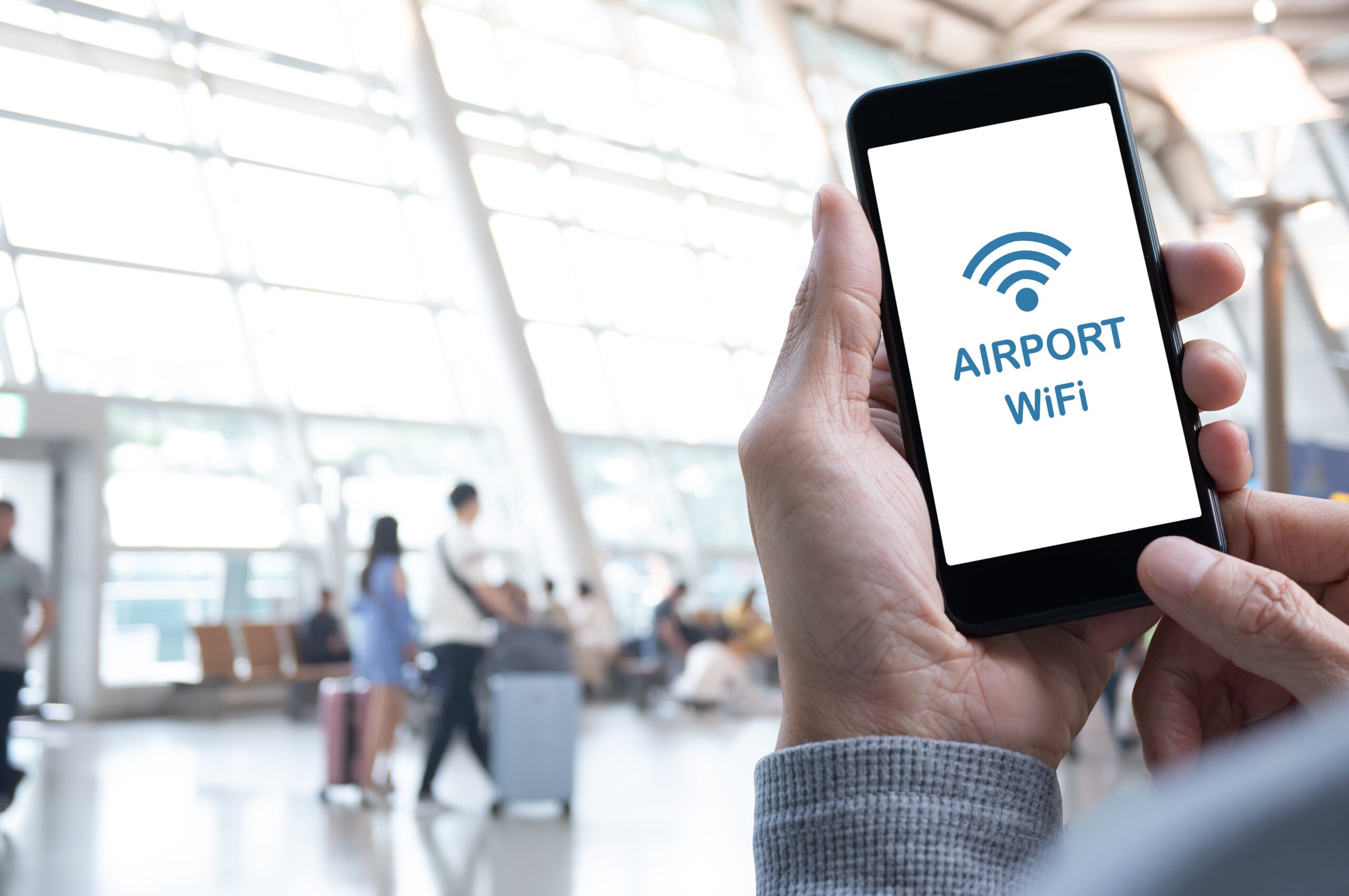

Free WiFi is extremely common.
Places Offering Free WiFi:
- Coffee shops
- Fast food chains
- Airports
- Hotels
- Public libraries
- Some parks and downtown areas
Typical Speeds:
- 10–100 Mbps in cities
- Slower during peak hours
⚠️ Public WiFi is convenient but not always secure for sensitive activities.
Hotel WiFi in the USA
Most hotels provide complimentary WiFi.
- Budget hotels: Basic speeds (5–20 Mbps)
- Mid-range hotels: 20–50 Mbps
- Luxury hotels: High-speed connections
Some properties may charge for premium speeds.
Should You Rely Only on WiFi?
Free WiFi works well for casual browsing, but it’s not ideal for:
- GPS navigation
- Ride-sharing apps
- Real-time maps
- Emergency access
- Streaming on the go
For uninterrupted access while moving around cities or traveling between destinations, many visitors choose to combine WiFi with mobile data.
👉 To compare prepaid plans and digital data options, see SIM Cards & eSIMs for USA Travel, which explains coverage, pricing, and setup for tourists.
Mobile Internet vs Public WiFi
| Feature | Public WiFi | Mobile Data |
|---|---|---|
| Cost | Free | Paid plan |
| Security | Moderate | More secure |
| Access | Fixed locations | Anywhere with signal |
| Reliability | Can vary | More consistent |
Internet Costs for Tourists
Internet access in the USA can fit different budgets:
- Public WiFi: Free
- Prepaid mobile plans: $30–60
- eSIM plans: $10–50
- Portable hotspot rental: $6–15 per day
Short trips may only require a small data package, while longer stays benefit from larger plans.
WiFi in Airports
Most major US airports offer free WiFi.
- Unlimited sessions in many locations
- Easy sign-in process
- Suitable for browsing and streaming
Airports typically provide stable connections while you wait for flights.
Internet in Rural & Natural Areas
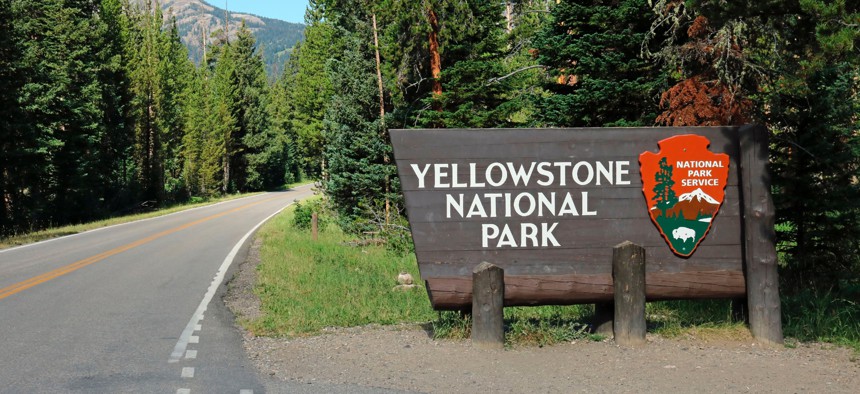


Signal strength drops significantly in remote landscapes.
In rural areas you may experience:
- Slow data speeds
- Temporary signal loss
- Complete coverage gaps
Preparation tips:
- Download offline maps
- Save travel documents locally
- Inform someone of your travel route
Internet Speeds in the USA
Urban areas:
- Strong 4G coverage
- Expanding 5G networks
- High broadband speeds
Rural areas:
- Slower speeds
- Occasional dead zones
Safety Tips for Using Public WiFi
- Avoid online banking on public networks
- Use secure (HTTPS) websites
- Turn off auto-connect settings
- Consider a VPN for added protection
- Avoid accessing sensitive personal accounts
Best Internet Setup for USA Travel
Short Trips (Under 5 Days)
- Free WiFi + small data eSIM
1–2 Weeks
- Prepaid SIM or mid-range eSIM
Road Trips
- Reliable nationwide network
- Offline maps downloaded
Final Thoughts
Internet access in the United States is widely available and easy to use. While free WiFi works well in cities and hotels, pairing it with a mobile data plan ensures smoother travel—especially when navigating unfamiliar areas.
Staying connected makes your trip more convenient, flexible, and stress-free.
Frequently Asked Questions (FAQs)
Q1: Is WiFi free in the USA?
Yes, it’s widely available in public places and hotels.
Q2: Is public WiFi safe?
Generally safe for browsing, but avoid sensitive transactions.
Q3: Do I need mobile data?
Recommended for navigation and on-the-go access.
Q4: Is 5G available?
Yes, mainly in cities and metro areas.
Q5: What’s the cheapest way to stay connected?
Combine free public WiFi with a small prepaid data plan.